Private by default
Sealed on your device before it's sent. No ads, no analytics.
Move photos, videos, files and text between any devices — iPhone, Android, Mac or a browser. One six-character code, sealed before it leaves your device.
One small app that replaces cables, cloud links and “email it to yourself”.
Sealed on your device before it's sent. No ads, no analytics.
Enter the code and the transfer starts instantly. Then the drop self-destructs.
Photos, videos, documents, links or plain text. Paste it and space. figures out the rest.
The receiving side needs no install — open the web app, enter the code, download.
In the iPhone, Android and Mac apps, devices on the same Wi-Fi appear automatically — tap to send. The browser uses a six-character code.
Reach someone by their @username — the envelope is sealed to their key.
A private, code-locked folder that syncs across your own devices.
No account needed nearby. Sign in only to send far.
Photos, videos, documents, links or plain text. Drag, paste, or tap send.
space. seals everything with a key derived from your six-character code and shows it on screen.
On any other device — app or browser — the transfer starts instantly. Then the drop self-destructs.
Drag files anywhere or paste to send. In the browser you share a six-character code, or send straight to an @username once signed in — and receiving needs nothing but a browser.
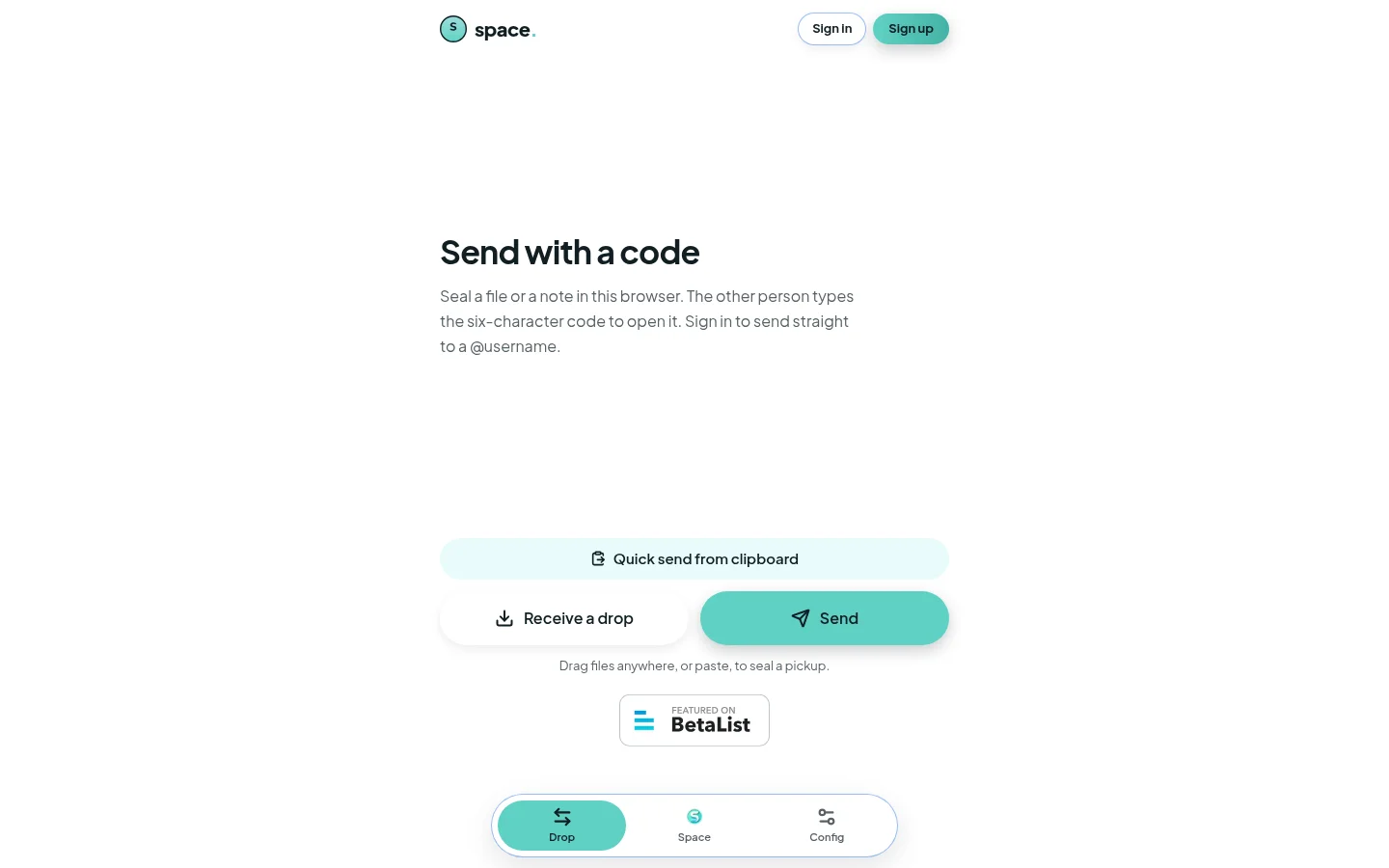
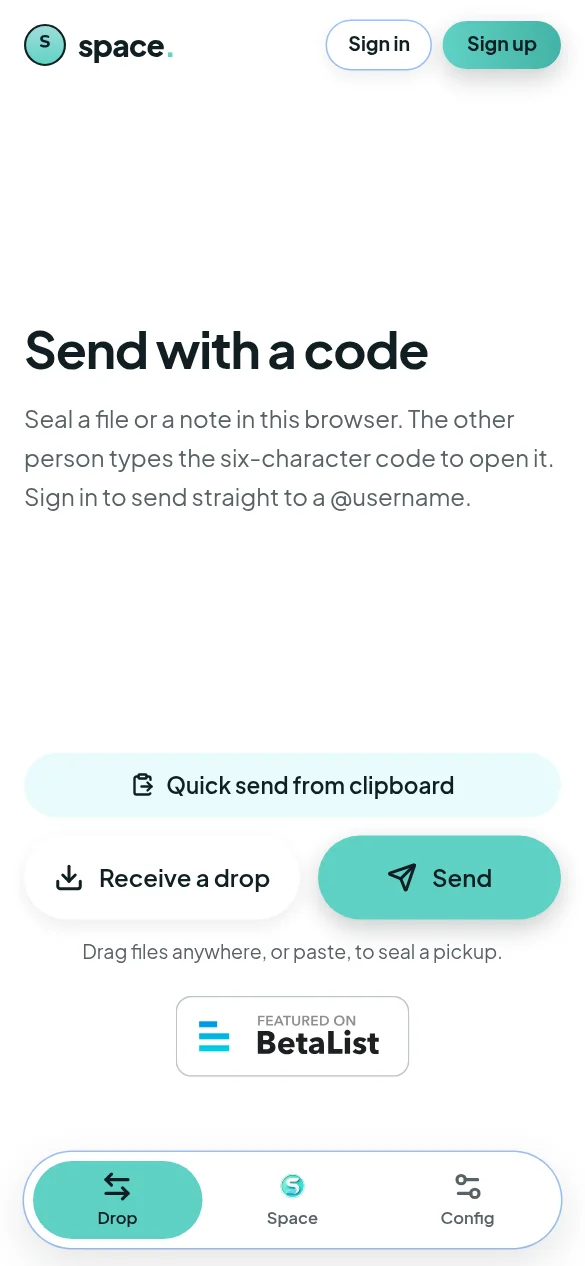
Files are encrypted with AES-GCM using a key derived from your drop code, right on the device. The relay stores sealed bytes and a lookup id — not the code — and deletes a drop after about 15 minutes.
Yes. The key is derived on your device from the six-character drop code. Files are sealed before upload and only unsealed by the device that enters the code.
Around 15 minutes, then it's deleted automatically. A drop is a hand-off, not a storage locker.
No account needed nearby. Sign in only to send far. Each file is up to 50 MB; a drop holds about 96 MB.
No. They can receive on any device with a browser — open the page, enter the code.
Yes. Free, no ads, no “pro” upsell. Need help? Message support on Telegram at t.me/Spaceapp_supportbot.
Open space. on any device, share the code, done.
Open space. — it's free